

Internal orders
How a sell order that is not a sale is filed under your own numbering, what it does to the sale it came from, and what it is for.
An internal order is a sell order that was captured, printed and filed, but was never finished as a sale. It carries a folio you decide, a description of what it is for, and a link back to the order it was made from. It exists for the paperwork a business writes for itself — a delivery note, a material request, a service order, a document someone in the business has to sign — where the sell order screen is the right tool but a sale is not what happened.
Internal orders are a module. Activate Orden Interna from your team's add-ons and what follows appears; while it is off, nothing below appears and the sell order screen offers only the PDF.
Making one
You do not start on the internal orders list. You start on a sell order:
- Create a sell order and fill it in as usual — client, products, quantities, prices.
- Before finishing it, use Generate PDF.
- The Generate Sell Order Preview window asks for a Folio and a Description.
- Save Internal Order files it.
Download PDF on that same window is the other door: it prints the same sheet and leaves the order where it was, still a draft you can finish as a sale later. The folio and description you typed only make the preview read correctly; nothing is filed until Save Internal Order is used.
The folio is yours to set and has to be a number nobody else in the team has used. It is not the sell order's own folio — that one is assigned by the system to sales — so internal documents can follow a numbering of their own, whatever your business already writes on them.
What it does to the sell order
Saving the internal order moves its sell order to the Internal status, and that changes what the document is:
- It leaves the sell orders list. Internal is a status the lists do not show, so the order stops appearing among your sales and stops being counted as one.
- It is not a sale, so it never reaches the reports, the customer's debt, the account statement or the customer history.
- It stays editable. Opening it from the internal orders list returns you to the capture screen, so the products and the amounts are corrected in place — a finished sale does not work that way.
What it does not do is move stock. Your inventory is charged when a sale is finished, and an internal order is not a finished sale.
The list
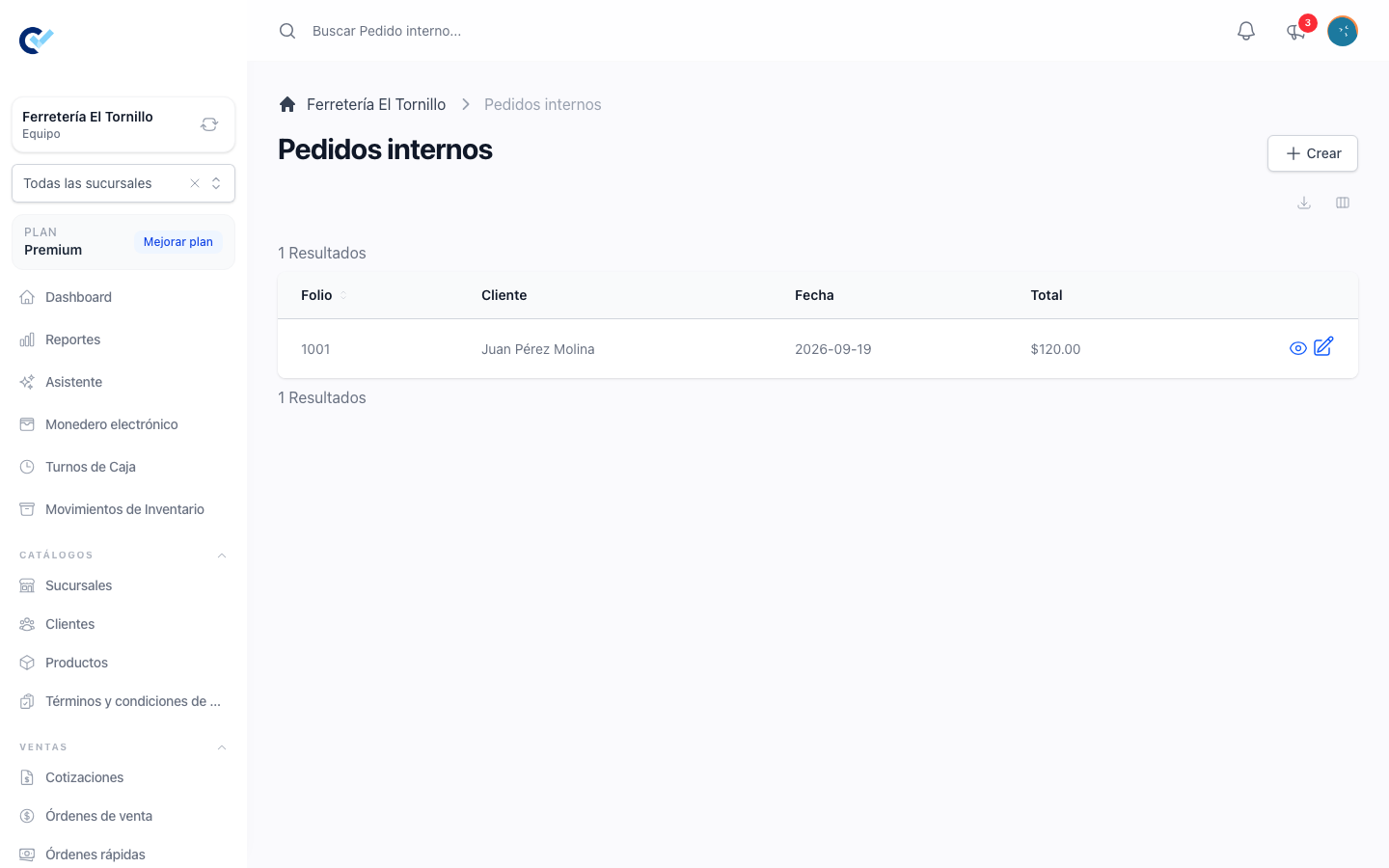
Internal orders sits under Sells in the menu. Each row shows its folio, and the client, the date and the total of the sell order behind it. The search box matches the folio, the internal order number and the name of that client.
Edit on a row opens the sell order itself, where the products and the amounts are corrected. Create takes you to a new sell order that already knows it is meant to end up here.
Permissions
The list and the file follow the ordinary See, Create, Update and Delete permissions for internal orders. Getting to the window that files one also needs whatever the sell order itself needs — see create a sell order.