
Reservations
How a product is booked for a client over a date range, how the system stops two bookings landing on the same days, how the days become the quantity on a sale, and what the calendar shows.
A reservation books one product for one client between two dates. It is what a business that rents, lends or schedules the use of something needs: equipment, a space, a vehicle, a time slot. The reservation holds the dates; the money, when there is money, travels on a sell order like any other sale.
Reservations are a module. Activate Reservaciones from your team's add-ons and what follows appears; while it is off, none of it does.
Make a product reservable
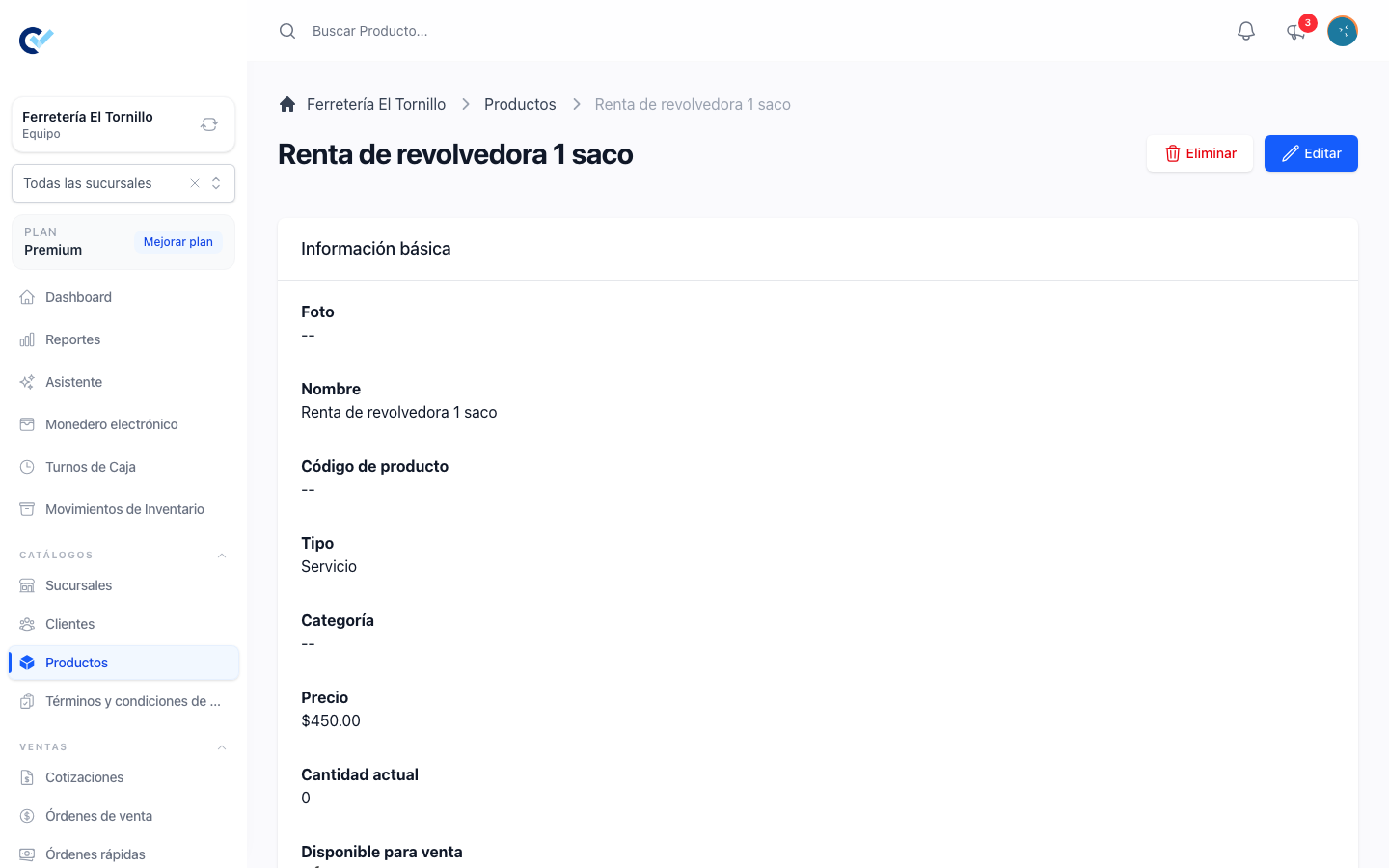
Nothing can be booked until a product says it can be. Open the product and turn on Reservable. A second field appears, Reservation Time, with four choices — day, week, month, year — and it decides two things: how the length of a booking is read on screen, and how many units the booking becomes when it reaches a sale.
The length is counted the way a stay is counted, by nights: from the 1st to the 3rd is two days, not three, and a booking that starts and ends on the same day counts as one. A product priced per day with Reservation Time set to Day and booked from the 1st to the 4th is three units of that price; set to Week and booked from the 1st to the 11th, it is two weeks, because a part of a week is charged as a whole one. Leave the field empty and any booking counts as one unit, whatever its length, which is what you want when the price is for the booking and not for the time.
The rest of the product is ordinary: its price, its description, its category. See products and stock.
Book from the sale
The usual way in is the sale itself. Add a reservable product to a quotation, a sell order or a fast order and a window asks for the dates before the line is added; it names the product's unit, as in This product is reservable per Week. Confirming it:
- adds the line, with the quantity worked out from the dates and the reservation time, and the total follows it;
- keeps the dates on the line, next to the unit, so you can see at a glance that a quantity of 2 means two weeks, and the printed document says what period was sold.
Clicking the dates on that line opens the same window, and changing them re-does the quantity and the total on their own. A line saved before is left as it is until its dates are chosen again.
The booking itself is written when the sell order is finished — one reservation per reservable product on it, pointing at the client, the dates and the category of the line, and starting as Pending. A product that already has one on that order is not reserved twice.
A quotation does not write reservations, however its lines carry dates. A quotation is a proposal, so the days are quoted and priced but nothing is held; the booking exists once the quotation becomes a sell order and that order is finished.
Booking the same product for dates that clash with a reservation that is not yet finished is refused, on the sale and on the reservations screen alike, naming the clash rather than letting two customers hold the same thing.
Book without a sale
Reservations sits under Sells in the menu, and Create writes one directly. It asks for the product or service, the client, the start date, the end date and, optionally, a category. The end date has to be after the start date.
A reservation made this way carries no sell order. That is the right shape when the booking is free, when it is paid elsewhere, or when it is being held before anything is charged. Selling it later is an ordinary sale.
The three statuses
| Status | What it means |
|---|---|
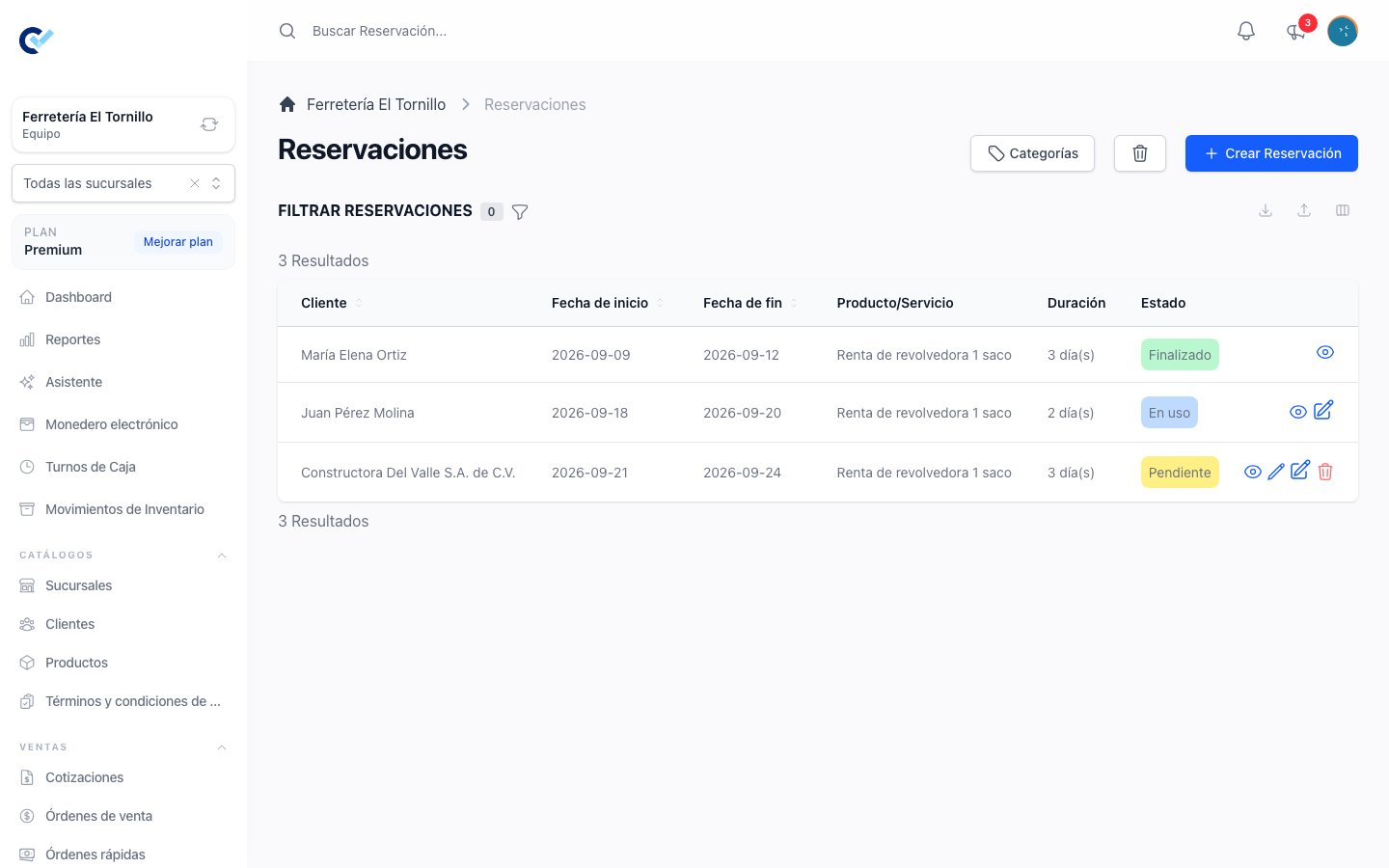
| Pending | Booked. The thing has not been handed over yet. |
| In Use | The client has it. |
| Finished | It came back and the booking is closed. |
The status is moved with Edit Status on the list, not by editing the record: it is fixed to Pending when one is created, and the action stops being offered once it is Finished. It only moves forward — going back from In Use to Pending is refused.
Only Finished frees the dates. A reservation left in Pending or In Use goes on blocking its product for the days it covers, which is what stops a booking being double-sold — and also what makes closing them the one piece of discipline the module asks for.
The list and the calendar
The list filters by Status, by Category and by Start Date and End Date, and shows the product, the client, the sell order it came from when it has one, the duration in the product's unit — 2 Weeks, 1 Month — and the status.
Every product also carries a month calendar on its detail page, showing the reservations that are not yet finished as bars across the days they cover. It moves a month at a time, and a booking that starts before or ends after the month on screen is drawn cut to the month's edges. It is the fastest answer to is this free the week after next.
Categories on the list opens the classification of your reservations, the same way it works for clients and products.
Permissions
The list, the calendar and the file follow the ordinary See, Create, Update and Delete permissions for reservations. Booking from a sale needs nothing of its own: whoever may finish the sell order writes its reservations with it.